
Google Business Profile Optimization: The Ultimate Guide to Local SEO Success
Local customers are searching for your business right now. To help them find you, you need a strong local online presence. The best way to do this is through a free tool called Google Business Profile (GBP).
A fully optimized Google Business Profile acts as a digital storefront. It drives foot traffic, boosts website visits, and increases phone calls. This comprehensive guide to Google Business Profile optimization will show you how to dominate local search results.
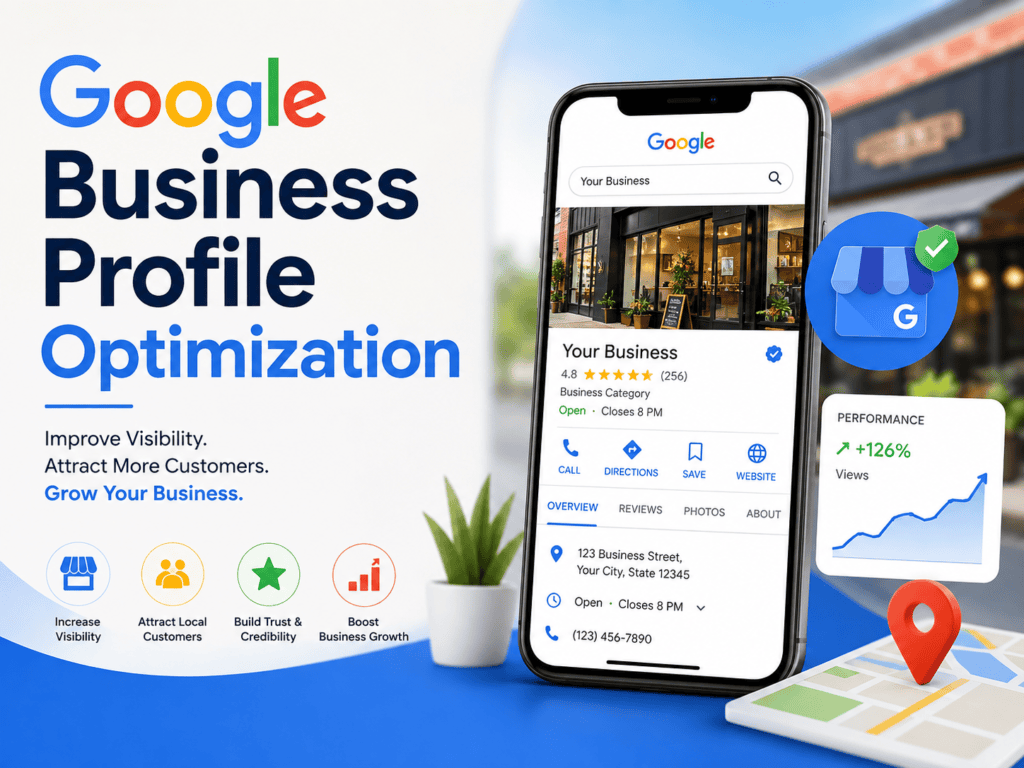
What is a Google Business Profile?
Google Business Profile is a free tool from Google. It allows business owners to manage how they appear across Google Search and Google Maps. Your profile displays your business name, location, hours, website, and customer reviews.
When people search for local services, Google shows a “Local 3-Pack.” This is a box containing the top three local businesses related to the search. An optimized profile helps you land in this highly visible spot.
Step 1: Claim and Verify Your Profile
Verifying your ownership is the very first rule of “Google Business Profile optimization“
You cannot optimize a profile you do not own. You must claim your business listing first.
- Search for your business: Go to Google Maps and type your business name.
- Claim the listing: Click “Own this business?” or “Claim this business.”
- Log in: Use your company Google account to complete the process.
- Verify your business: Google will ask you to verify your identity. This usually happens via a postcard sent to your address, a phone call, or an email.
Complete verification immediately. Google will not display your updates to the public until you verify ownership.
Step 2: Provide Complete and Accurate Data
Google rewards profiles that provide complete information. Incomplete profiles look unprofessional and rank poorly. Fill out every single field in your dashboard.
Core NAP Data
NAP stands for Name, Address, and Phone Number. This data must be exactly the same across the entire internet.
- Business Name: Use your real-world business name. Do not stuff keywords into the title. Google suspends accounts that cheat the naming rules.
- Address: Input your exact physical location. If you are a service-area business (like a plumber), hide your address and select your service zones.
- Phone Number: Provide your local phone number. Avoid generic toll-free numbers because local numbers signal local relevance.
Website and Operating Hours
Link directly to your homepage or a location-specific landing page. Keep your operating hours accurate. Update your hours during holidays or seasonal changes. Customers get angry when they visit a business that claims to be open but is actually closed.
Step 3: Choose the Right Business Categories
Your business category heavily influences your local search rankings. Google uses this selection to understand what you sell or do.
- Primary Category: Pick the most specific option available. If you run a pizza restaurant, choose “Pizza Restaurant” instead of just “Restaurant.”
- Secondary Categories: Add additional categories to cover all your services. A grocery store might add “Bakery” or “Deli” as secondary categories.
- Avoid Over-Categorization: Only choose categories that truly fit your business. Adding irrelevant categories confuses Google and hurts your SEO.
Step 4: Use “Google Business Profile Optimization” in Your Description
Google gives you 750 characters for your business description. Use this space to tell your story and explain your value.
- Front-load key details: Put your most important information in the first 250 characters. Google cuts off the description after that with a “Read More” link.
- Use local keywords: Include words that describe your services and your city. For example, use phrases like “organic coffee shop in Austin.”
- Keep it natural: Do not just list keywords. Write for human readers, not just computer algorithms.
- Avoid sales jargon: Do not include links, URLs, or promotional text like “50% off everything.” Google forbids promotional language in this section.
Step 5: Highlight Your Products and Services
The Products and Services sections allow you to showcase your inventory or offerings directly on Google Search.
The Services Section
Categorize your services clearly. If you are a hair salon, create sections for haircuts, coloring, and styling. Add a clear description and pricing for each service. This transparency builds trust with potential clients before they contact you.
The Products Section
This section creates a visual shopping experience. Upload clean images of your products. Add titles, prices, descriptions, and a link to your online store. This feature is excellent for retail shops, car dealerships, and restaurants.
Step 6: Upload High-Quality Photos and Videos
Visual content drives high user engagement. Profiles with photos receive significantly more requests for driving directions than profiles without photos.
- Profile and Cover Photos: Upload a clear logo as your profile picture. Choose a welcoming, high-resolution photo for your cover image.
- Interior and Exterior Photos: Take pictures of the outside of your building so customers can find you easily. Show off your clean, inviting interior space.
- Team and Product Photos: Introduce your staff to humanize your brand. Photograph your team in action.
- Video Content: Upload short videos under 30 seconds long. Show a quick tour of your shop or a fast demonstration of a service.
Adding high-quality photos is a visual form of Google Business Profile optimization that attracts clicks. Keep your images bright, sharp, and unedited. Avoid using cheesy stock photos. Authentic images convert better.
Step 7: Build a Powerful Review Strategy
Customer reviews are a massive ranking factor for local SEO. High ratings tell Google that your business is trustworthy.
- Ask for reviews: Do not be shy. Ask your happy customers to leave a review after a successful transaction.
- Create a short link: Google provides a direct review link in your dashboard. Share this link via text, email, or digital invoices.
- Respond to every review: Reply to both good and bad reviews. Thank happy customers for their kind words.
- Handle negative reviews professionally: Never argue with a hostile reviewer. Apologize for their bad experience, offer a solution, and move the conversation to email or phone.
Step 8: Leverage Google Posts
Google Posts work like social media updates directly on your search listing. They keep your profile fresh and active.
- Types of Posts: You can share offers, events, product updates, or general news.
- Add clear CTAs: Every post should include a call-to-action button like “Buy Now,” “Book Online,” or “Learn More.”
- Post regularly: Aim to publish a new post at least once a week. Frequent posting shows Google that you actively manage your business.
- Publishing weekly posts keeps your Google Business Profile optimization strategy running smoothly.
Step 9: Enable the Messaging Feature
Many customers prefer texting over phone calls. Google Business Profile has a built-in messaging feature that lets customers text you directly from your listing.
- Turn on messages: Activate this feature in your dashboard settings.
- Respond quickly: Google tracks your response time. Try to reply within 24 hours. If you ignore messages, Google may deactivate your chat feature.
- Set up automated welcomes: Create an automatic greeting to acknowledge the customer’s message instantly.
Step 10: Utilize the Q&A Section
The Questions and Answers section is a public forum on your profile. Anyone can ask a question, and anyone can answer it.
- Populate your own FAQs: You do not have to wait for customers to ask questions. You can post common questions yourself and answer them from your business account.
- Monitor the section: Check this section regularly. Sometimes random users give incorrect answers to customer questions. Correct wrong information quickly to prevent confusion.
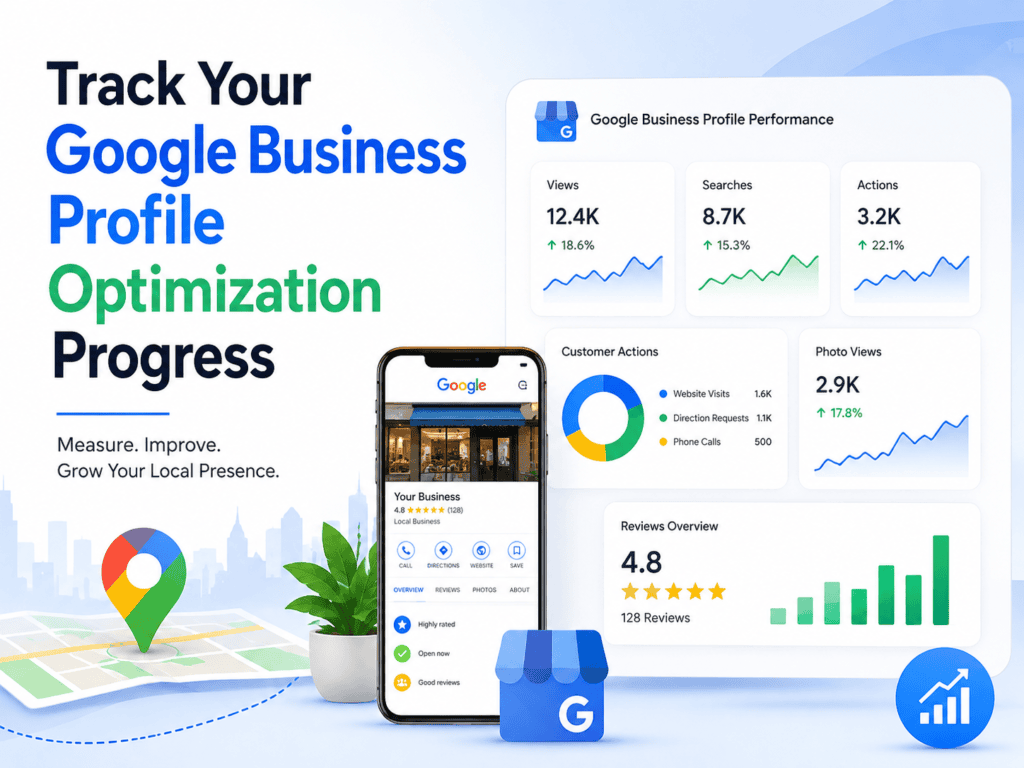
Step 11: Track Your Google Business Profile Optimization Progress
Optimization is not a one-time task. It requires ongoing attention and analysis.
- Check your Performance Metrics: Google provides data on how people find you. Look at how many users called you, requested directions, or visited your website.
- Track user search queries: See the exact words people typed to find your listing. Use these insights to improve your keywords in your description and posts.
- Audit your profile monthly: Ensure your hours, links, and services remain completely accurate.
Conclusion
An optimized Google Business Profile brings you more local customers. Just fill out your details, add photos, and reply to reviews. Start updating your profile today to grow your business.
Learn more here, webwhirrl
Frequently Asked Questions
Is a Google Business Profile Optimization completely free?
Yes. Google Business Profile optimization costs nothing because the core tool is 100% free for all business owners. Google does not charge any monthly fees or setup costs. You only pay if you choose to run paid Google Ads through your profile.
How long does profile verification take?
The time depends on the verification method Google gives you. Digital options like phone calls, text messages, or emails happen instantly. If Google requires a physical postcard, it usually takes 5 to 14 business days to arrive at your address.
Can I have a profile if I work from home?
Yes. If you serve customers at their locations, you can create a “Service Area Business” profile. This option allows you to hide your home address from the public. Customers will only see the cities or areas you travel to for work.
Why does Google suspend business profiles?
Google suspends profiles that break its quality guidelines. The most common reasons include adding fake keywords to your business name, using a P.O. Box address, or making too many major profile changes at once. You must fix the issue and ask Google for reinstatement.
How often should I create Google Posts?
You should publish at least one new Google Post every single week. Regular posts show Google that your business is active. They also provide fresh details, offers, and updates to potential customers who find you online.
